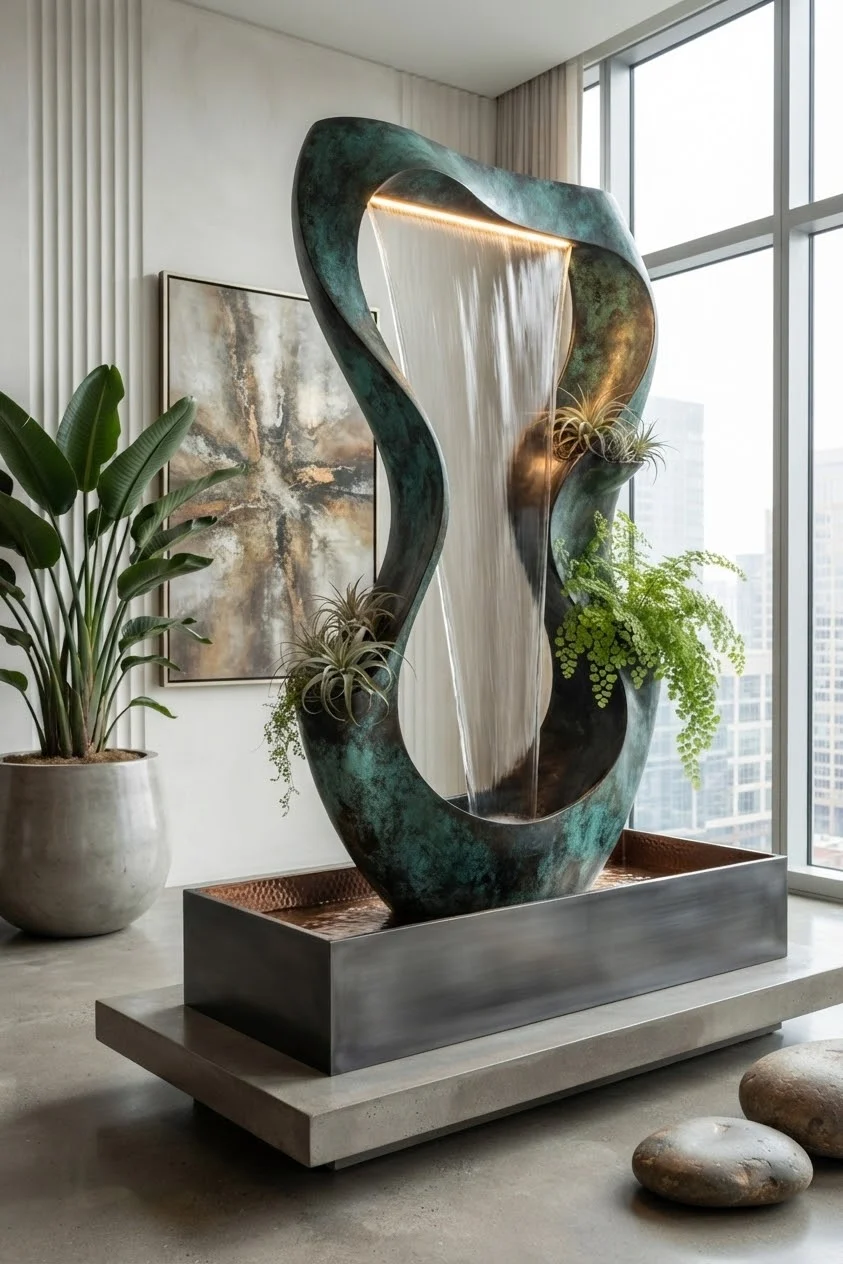
Sculptural Indoor Water Fountain Feature Design
Framing a prominent central sculpture on your screen requires balancing the bright cascading water with the darker patinated bronze frame. Here is how to configure your display settings for optimal clarity and visual appeal.
- Lock screen alignment on mobile displays works best when centering the flowing vertical water sheet directly between time and notification widgets. Crop slightly so the rectangular metal base forms a solid foundation at the bottom edge.
- Desktop screen setups benefit from positioning app icons along the left side where the off-white paneled wall and banana leaf plant sit. The high contrast against the light grey concrete background ensures app labels remain crisp and easy to read.
- Dark mode system themes highlight the deep turquoise and oxidized copper tones of the central sculpture. The warm top light strip and glowing curtain of water provide natural high-contrast areas that prevent your interface from looking overly dim.
- Keep clock and weather widgets clustered near the top right corner. The tall floor-to-ceiling glass windows and soft exterior city skyline provide a uniform, low-detail area where white interface text stays perfectly legible.
- Desktop taskbars fit neatly along the polished concrete floor section. The subtle concrete texture and smooth floor stones at the bottom right anchor the taskbar without cluttering icon shortcuts.
Adjusting your grid around the natural geometry of the water feature yields a balanced digital workspace.